
About TOS
Built for the tech
nobody briefed.
The trade has a gap. Experience does not get passed down the way it should. TOS exists to close that gap, with real field knowledge, real business basics, and no gatekeeping.
The trade has a gap. Experience does not get passed down the way it should. TOS exists to close that gap, with real field knowledge, real business basics, and no gatekeeping.
I did not start in HVAC. I got to it the long way. Gas station. Car sales. Heavy equipment. A string of jobs where I was always learning the work but never learning the business side of the work. Nobody sat me down and explained how margin works, or why callbacks kill you, or what a service agreement actually protects you from. You figured it out or you ate the loss.
When I moved into HVAC, I saw the same problem, but sharper. The trade demands real technical skill. Refrigeration theory, load calculations, electrical, airflow. But the moment a tech tries to go out on his own, or even just understand whether his company is treating him fairly, he hits a wall. The information is scattered. The business knowledge is hoarded. The mistakes get repeated because nobody documented what went wrong.
TOS started as a place to put what I had learned the hard way. Field Notes is the honest version of the conversations most employers never have with their apprentices. The Knowledge Vault is the reference library I wish had existed on my first day. The Calculators are the math I used to do wrong on a notepad and now do right before a single price gets quoted.
None of it is behind a paywall. None of it requires a subscription. If you are in the trade, it is yours.


The apprentice who shows up every day and does the work but cannot get a straight answer about how refrigeration actually works, or what their labor rate should be, or whether the company they work for is running right.
The tech who is thinking about going out on his own and does not know where to start. The one who has been in the trade for three years and is good with his hands but has never seen a service agreement, never built a job costing sheet, never had anyone explain what a callback is actually costing the business.
The person who is considering HVAC as a career and wants to understand what the work actually looks like before committing. Not the brochure version. The real version, with the hard seasons and the slow months and the refrigerant regulations that change and the customers who read one headline and panic.
TOS is for all of them. If you are in the trade, or trying to get into it, pull up a chair.
Everything on TOS is free and built for the working HVAC technician, whether you are on your first apprentice job or running a crew of your own.
Real posts about real situations. Refrigerant regulations, slow seasons, bad hires, difficult customers, pricing, reviews, and the business decisions that nobody explains at the shop. Written by a working tech for working techs.
Read Field NotesThe reference library for the field. PT charts, no-cooling checklists, service agreement templates, the HVAC dictionary, the apprentice tracker. The tools you should have had on your first day, now in one place.
Open the VaultManual J load calculations, labor rate builder, job profit analyzer. The math that separates techs who price right from techs who stay broke. No spreadsheet required, no guessing on a notepad.
Use the CalculatorsYou are new. The work makes sense but the system around it does not. You do not know what a good shop looks like, or a bad one, or what to ask before you sign on. Field Notes was written for you first. The vocabulary, the politics, the traps, and the shortcuts that actually work.
You are competent in the field and you know it. But the business side still feels like someone else's department. Pricing, margin, service agreements, callbacks, reviews. These are not optional skills for someone thinking about running their own operation. The Calculators and Field Notes give you the foundation.
You went out on your own. You have jobs but you are not sure if you are making money on them. You have a crew but no system for managing them. You have customers but no process for keeping them. The posts in the Business and Money categories of Field Notes were written for exactly where you are right now.
You are looking at HVAC from the outside and trying to figure out if it is a real path. The honest answer: yes, but only if you go in with your eyes open. The trade is demanding, seasonal, physical, and requires ongoing learning. TOS gives you the unfiltered picture before you commit your time and your tuition.
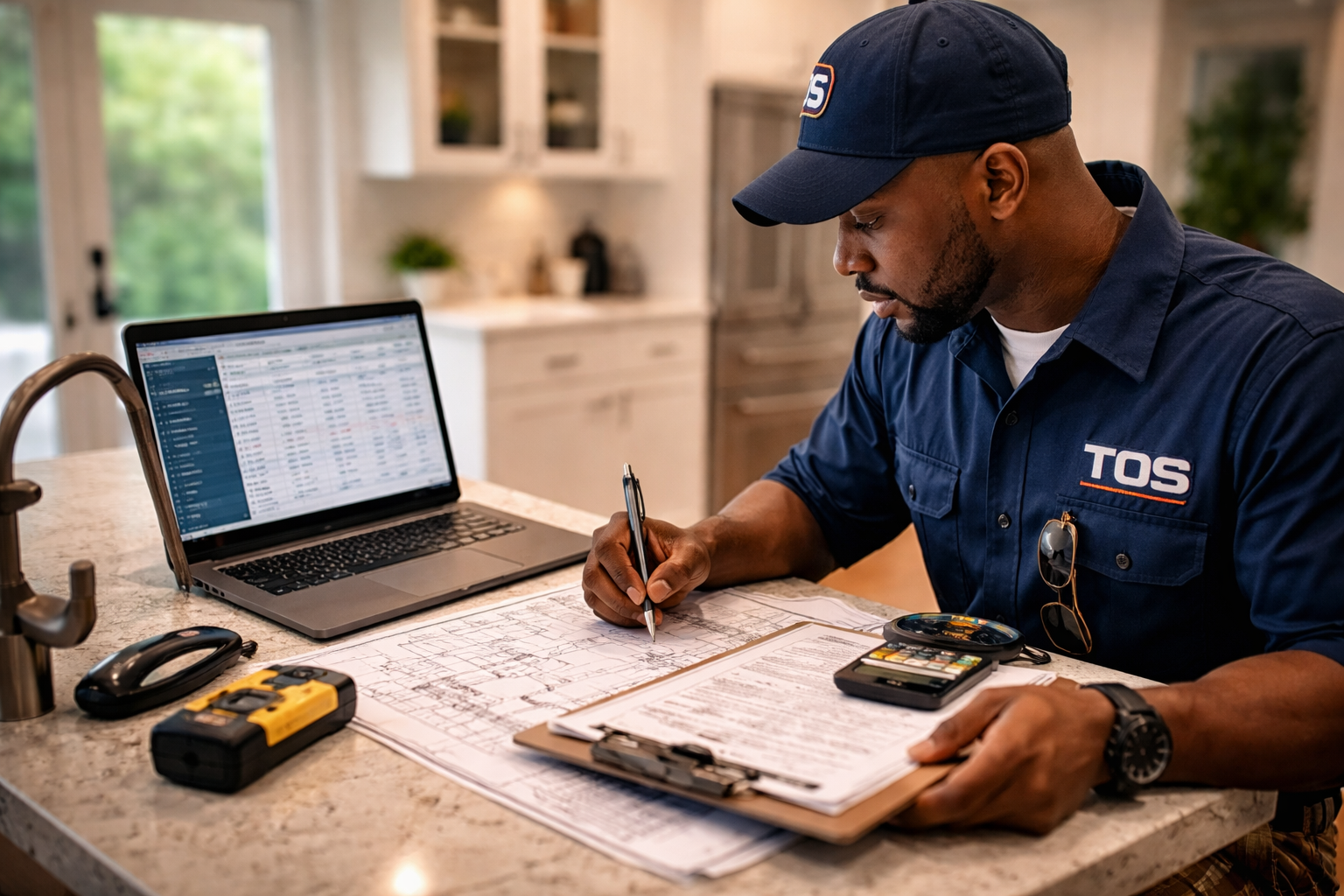
Load calculations, labor rates, job profit. If you are guessing at these numbers you are either leaving money on the table or losing it entirely. The TOS calculators put the right math in your hands before the job starts.
Open CalculatorsThe HVAC trade is one of the most stable career paths available. It is hands-on, in demand, recession-resistant, and pays well when you know what you are doing. But most of that knowledge still travels the old way: by luck, by who you happen to work for, by whether your lead tech felt like explaining something that morning.
Too much knowledge gets lost between generations of techs. The apprentice who could be excellent leaves the trade because nobody invested in him. The tech who could run a great business stays broke because nobody showed him the numbers. That is a waste the industry cannot afford.
TOS is one attempt to fix that. Not the whole answer. But a start.
If you have a story from the field, a question about the trade, or something you think belongs in Field Notes, reach out. The best content on this site started with a conversation.